Real-Time Game Translator for PC: How Does It Work?
Learn how real-time game translators work with OCR and machine translation, and what affects accuracy and latency.
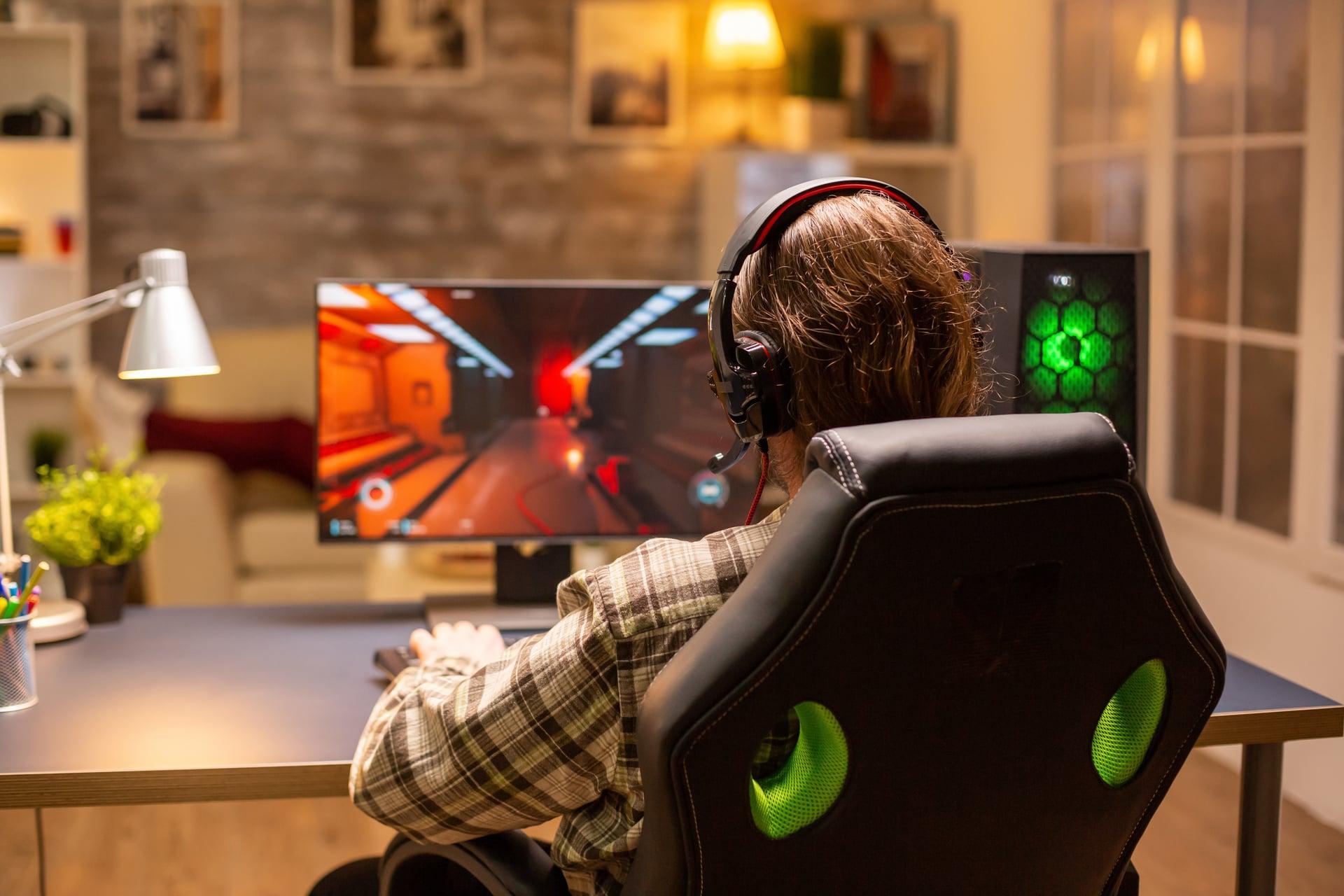
Real-time game translators read the text on screen and translate it into another language without changing the game’s language. So how exactly do these tools work, and what affects latency and accuracy? This article walks through the process using Subvoce as an example.
How does real-time game translation work?
A screen translator runs a four-step loop in the background:
- Screen capture: the subtitle area you select is captured at regular intervals. Reading a small area instead of the whole screen is both faster and lighter on your PC.
- OCR (optical character recognition): the letters in the captured image are turned into text.
- Machine translation: the text is translated into the target language with an AI translation model.
- Display: the translation is shown as a subtitle layer over the game that never blocks clicks, or on another screen.
Why local AI translation matters
Many translation tools send text to a cloud service. Subvoce does OCR and translation entirely on your PC:
- Privacy: screenshots and subtitle text never leave your computer.
- Works offline: once the required models are installed, translation needs no internet. License activation and language pack downloads do need a connection.
- No graphics card needed: the translation models run on the CPU, so your GPU stays free for the game.
What affects latency?
Real-time translation isn’t zero-latency; screen capture, OCR and translation each take processing time. The main factors:
| Factor | Effect | What you can do |
|---|---|---|
| Selected area | A larger area takes longer to read | Select only the subtitle strip |
| Scan interval | Shorter intervals react faster but use more CPU | Pick an interval that suits your PC |
| Translation model | Larger models are more accurate but slower | Use the light model for speed, the large one for accuracy |
| Processor | Multi-core CPUs translate faster | Close heavy background apps |
What affects accuracy?
- Font: decorative or handwritten-style fonts make OCR harder.
- Contrast: white subtitles are hard to read in bright scenes; turning on a subtitle background in the game makes a big difference.
- Subtitle size: larger subtitles are read more accurately.
- Text outside the subtitle: HUD elements, clocks or logos inside the selected area can end up in the translation.
Getting started with Subvoce
Subvoce translates English subtitles on Windows PCs and Apple Silicon Macs (M1 or later) into Turkish, German, French, Dutch, Arabic, Hindi, Polish or Russian. You can see the translation in two ways:
- PC Mode: the translation appears as a separate subtitle layer over the game or video.
- TV Mode: the translation is shown on a TV on the same Wi-Fi network. Console players use it together with PS Remote Play or the Xbox app (on Mac, PS Remote Play only).
See the Subvoce user guide for area selection, shortcuts and all settings. If you play on console, our guide on getting your PS5 picture on a PC will help too.
Understand the subtitle. Keep playing.
Subvoce translates the English subtitles on your screen locally on your PC and shows the translation on your PC or your TV.
More articles
Guides
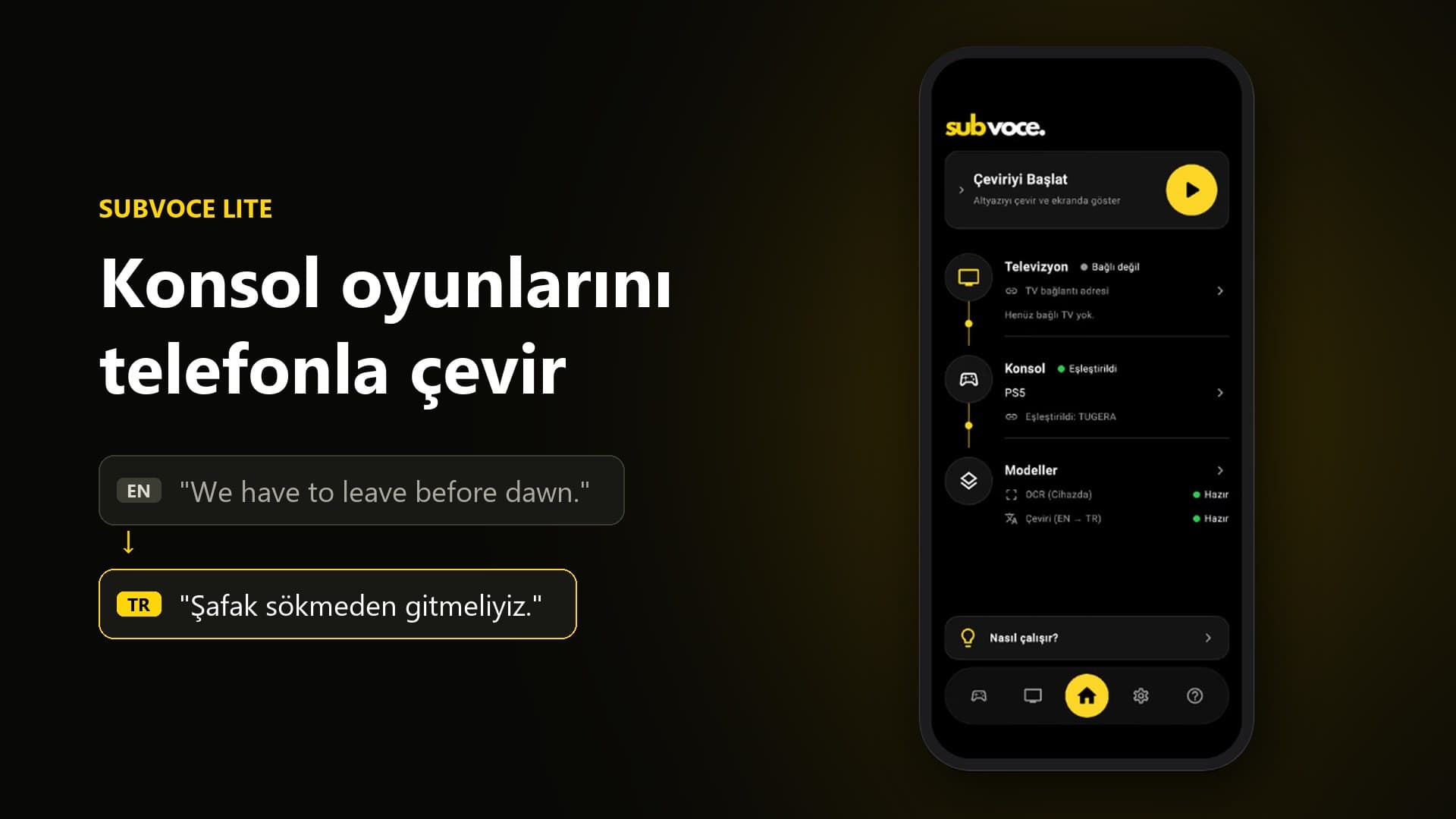
How to Translate Console Games with Your Phone
A step-by-step guide to translating PS5 game subtitles with your Android phone and showing them on your TV, no computer needed.
Guides
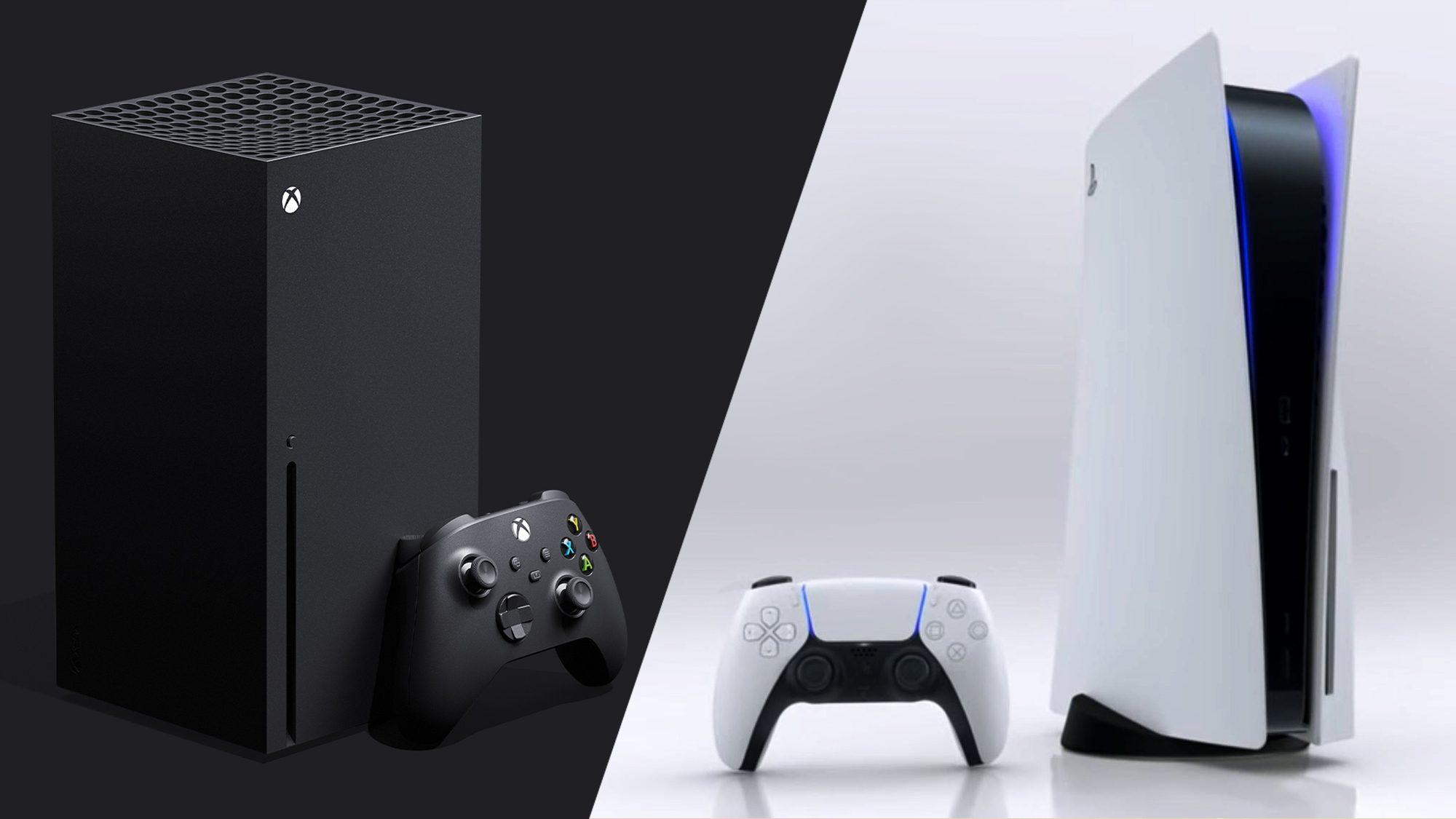
PS5 and Xbox Subtitle Language Guide
Learn how to check language options in PS5 and Xbox games, and what to do when your language isn’t supported.